This page shows all the repots associated with the user.
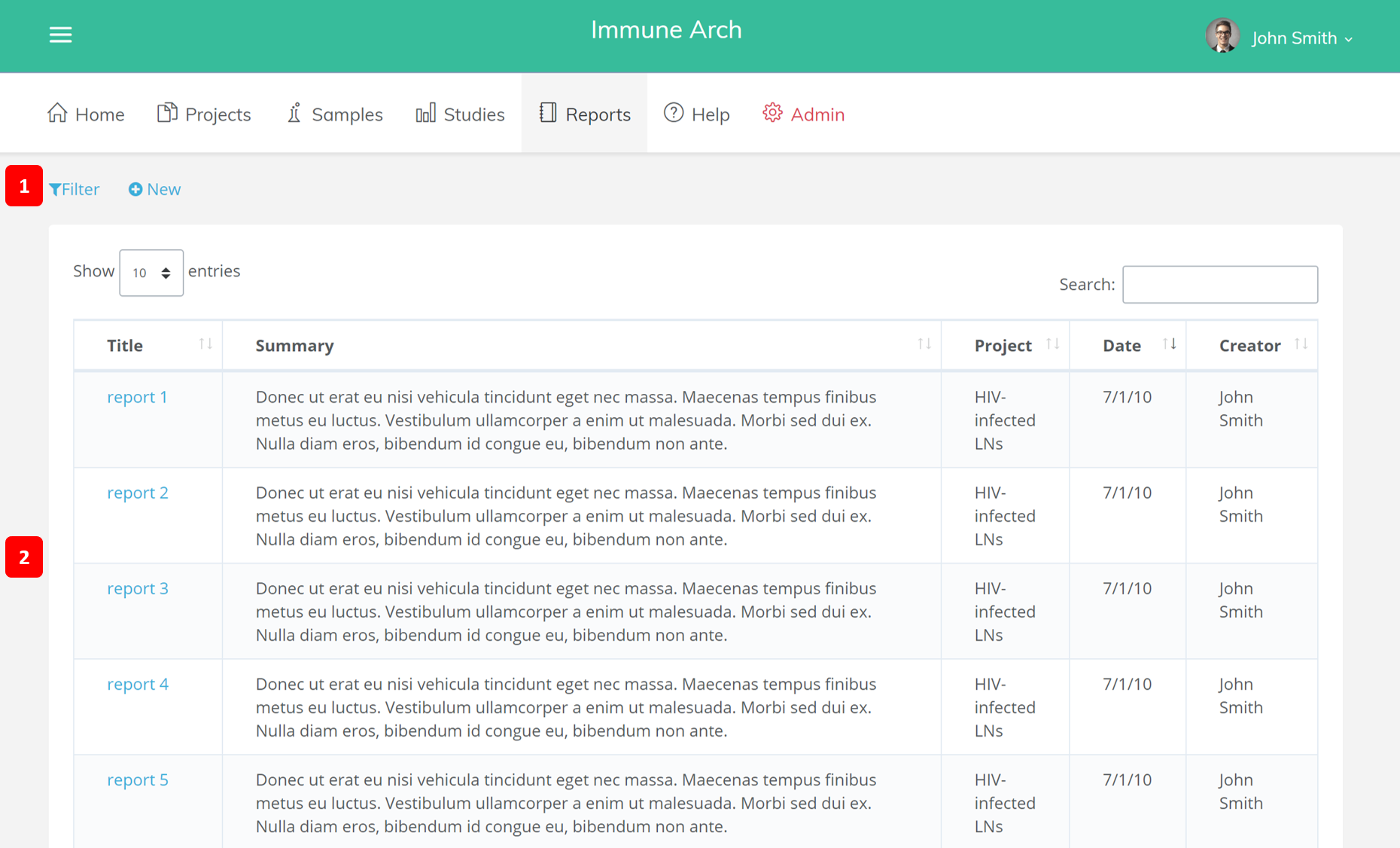
1. Filter and New
The Filter button allows you to select which reports you would like to view. The New button allows you to create a new report. A pop-up dialogue box will be shown for you to fill out detail information of your new report.
2. Main Content
The main content of the report page consist of a table of all of your reports. Each report is shown with its name, a short summary of the report, the date it was created, and the creator of the report, each with attribute with its own column. Each of these columns can be ordered from bottom to top or top to bottom.
There is also a button to adjust the number of reports shown in one page. A search bar is at the top of the main content. To search for a report, enter the report's name.